From Configuration to BOM: How Engineering Automation Eliminates Manual Redundancies

At some point, most growing companies run into the same frustration:
You’re not paying engineers to solve new problems anymore.
You’re paying them to repeat old ones.
Customers want variations of something you’ve already built. A size changes. A feature gets added. And soon enough, engineering gets pulled back in… Updating models, adjusting drawings, rebuilding documentation and checking everything before it moves forward.
It’s necessary work. But it’s not where the value is.
When Customization Starts Slowing You Down
Customization is often what wins the job. But without structure behind it, every variation creates more work:
- Similar designs get recreated
- Drawings are manually updated
- BOMs are rebuilt or double-checked
- Quotes depend on engineering to validate details
It works. But it doesn’t scale. As demand increases, engineering becomes the checkpoint for everything. And that’s where delays begin.
Automation Is Not About Software—It’s About Strategy
The teams that break out of this cycle don’t eliminate customization. They capture it. Instead of starting over each time, they define how their products work:
- What can change
- What those changes affect
- What the final outputs should include
From there, that logic can be reused automatically to generate the bulk of the work. That’s where tools like DriveWorks (or rule-based systems like iLogic in Autodesk Inventor) come into play. Different platforms, same idea: capture engineering knowledge once and reuse it everywhere.
From Inputs to a Fully Built Design (Without Rework)
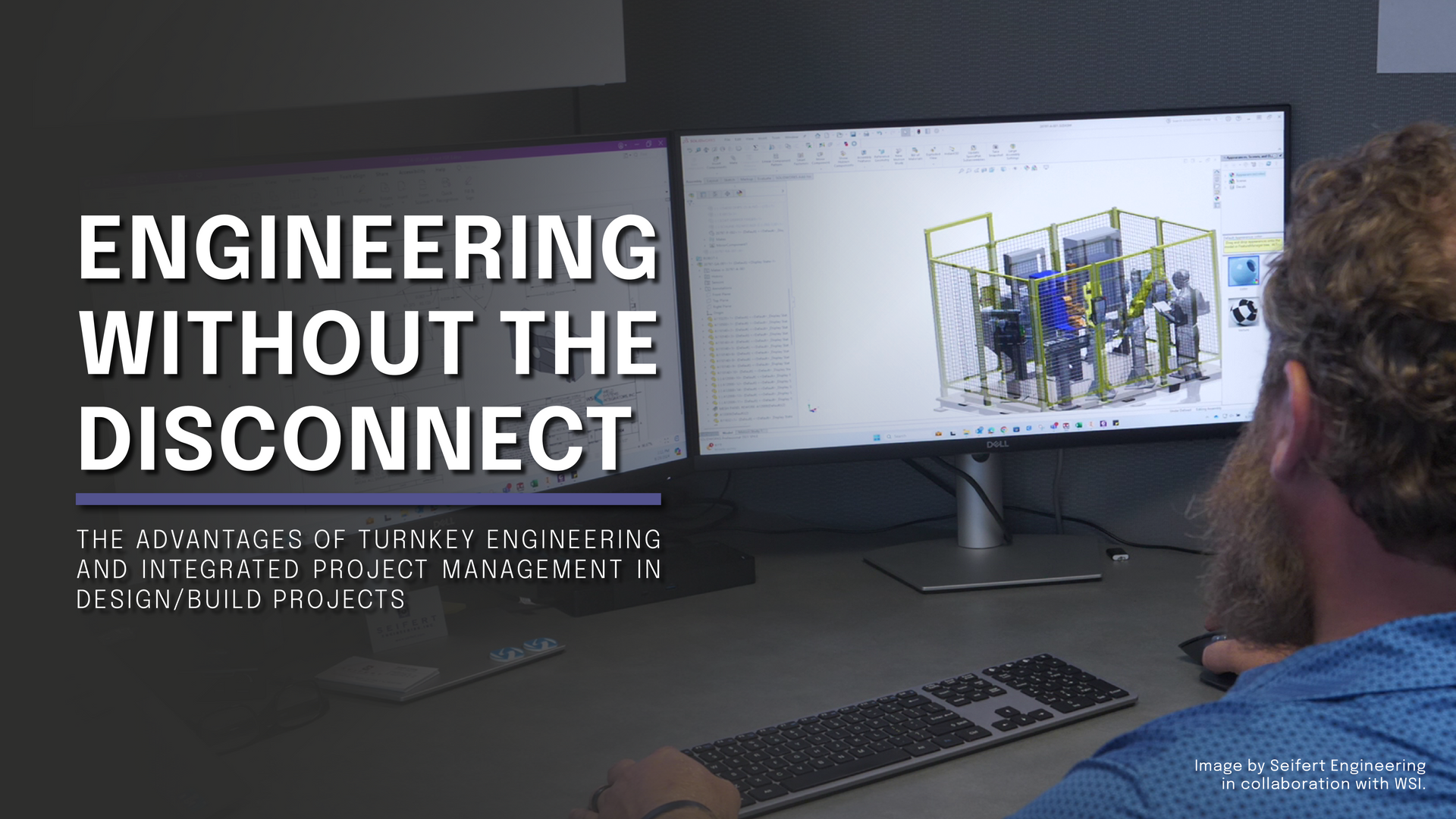
With the right structure in place, a configured product can automatically generate CAD models, assemblies and order-
specific drawings, along with supporting documentation and BOMs. Instead of engineers redrawing the same product, the system handles the repeatable portion.
In many cases, designs are already 60–80% complete before engineering even touches them.
That shifts your team’s focus to what actually matters:
- Solving new problems
- Refining designs
- Supporting production
Making Complex Products Easier to Configure
A lot of rework starts before engineering even begins. Unclear requests, misinterpreted options and long back-and-forth email chains slow everything down. Guided configuration changes that.
With a structured, visual configurator:
- Users select from valid options
- Configurations follow defined rules
- Mistakes are prevented before they reach engineering
That clarity removes friction and keeps projects moving.
Quoting Without Waiting on Engineering
Quoting is another common bottleneck. When pricing depends on understanding the design, engineering gets pulled in just to validate quotes.
By connecting configuration to pricing logic:
- Quotes are generated from real product rules
- Pricing stays aligned with the design
- Sales teams respond faster, with confidence
This removes a major dependency on engineering during early project stages.
A BOM That Stays in Sync with the Design
This is where things often break down. And where automation delivers real impact.
In manual workflows, BOM issues are common:
- Designs change, but BOMs don’t
- Components get missed
- Procurement works from outdated information
When the BOM is driven directly from the design logic:
- It updates automatically with every change
- Material requirements stay accurate
- Procurement works from reliable data
That alignment reduces downstream issues and eliminates constant rechecking.
Stop Paying Engineers to Do Repeatable Work
This is the shift. Engineers should not be spending time recreating past work. If a design has been done before—or could be defined with rules—it should be automated.
Because:
- Repetition doesn’t require engineering judgment
- It introduces risk for inconsistency
- It limits your team’s capacity to grow
Automation becomes a force multiplier, allowing the same team to handle more work with better consistency.
Where Seifert Engineering Fits In
The software is only part of the solution. The real value comes from how the process is built.
At Seifert Engineering, we focus on where your team is spending time:
- Repeating work
- Supporting quotes
- Fixing inconsistencies downstream
Then we build systems (using the tools that fit your environment) to remove that burden and keep everything aligned from configuration through BOM.
Whether it’s DriveWorks, Inventor with iLogic, or another platform entirely, the goal is the same: Reduce repeat work. Increase accuracy. Free up engineering capacity.
The Bottom Line
If it feels like your team is solving the same problems over and over, you’re probably right. There’s a better way forward.
The companies that scale effectively aren’t the ones with the best CAD tools. They’re the ones that use them most efficiently. Because the goal isn’t just efficiency.
It’s making sure your engineering effort is spent where it creates the most value
FAQs About Engineering Automation
What is DriveWorks and how does it help?
DriveWorks works with SOLIDWORKS to automate models, drawings and documentation using predefined rules—reducing repetitive engineering work.
Can this be done in other CAD platforms?
Yes. Tools like Autodesk Inventor with iLogic provide similar rule-based automation. The approach is not software-specific. It’s about capturing and reusing design logic.
Does this replace engineers?
No. It removes repetitive tasks so engineers can focus on design, problem-solving and improvement.
Is this only useful for large companies?
No. Any business with repeatable products or frequent variations can benefit.
What types of products benefit most?
Configurable equipment, assemblies with size or feature variations and any product that is repeatedly modified from a base design.